Introduction
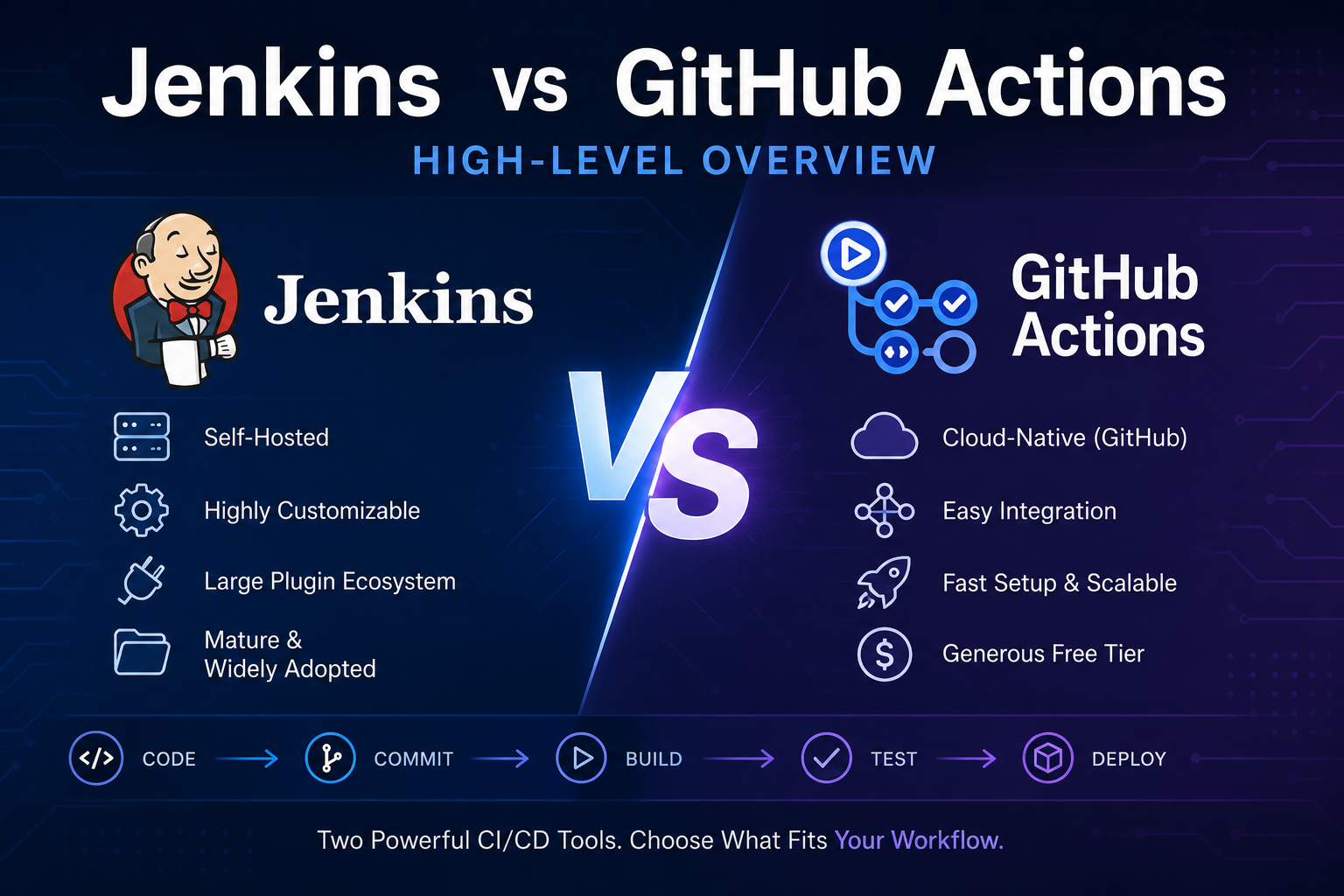
In the rapidly evolving world of DevOps, the choice between cloud-based and self-hosted pipelines plays a pivotal role in shaping the efficiency of software delivery. This analysis focuses on the realm of DevOps Pipelines, with a specific spotlight on Jenkins as a self-hosted solution and GitHub Actions as a cloud-based alternative. We’ll explore the strengths, considerations, and best practices associated with each, helping you make informed decisions to enhance your DevOps strategy.
Unpacking Self-Hosted DevOps Pipelines with Jenkins
Jenkins Overview
Jenkins, an open-source automation server, stands as a cornerstone in the world of DevOps Pipelines. Its flexibility lies in extensibility, offering a vast array of plugins and integrations that empower teams to tailor their pipelines to specific needs.
Advantages of Self-Hosted DevOps Pipelines
1. Customization and Control:
Jenkins provides complete control over the infrastructure, allowing teams to customize and fine-tune their DevOps Pipelines environment according to specific project requirements. This level of customization can be crucial for organizations with intricate or unique workflows.
2. Plugin Ecosystem:
The strength of Jenkins lies in its extensive plugin ecosystem. Teams can seamlessly integrate Jenkins with various tools, making it highly adaptable to diverse development stacks. This allows for a modular and customizable approach to building DevOps Pipelines.
3. Legacy System Compatibility:
For organizations with existing infrastructure, Jenkins offers smooth integration with legacy systems. This compatibility ensures a streamlined transition to DevOps Pipelines without disrupting established workflows, making it an ideal choice for enterprises with long-standing technology stacks.
4. Community Support:
Being an open-source tool, Jenkins benefits from a large and active community. This vibrant community provides ongoing support, a plethora of documentation, and a shared knowledge base that proves invaluable for troubleshooting and optimizing DevOps Pipelines.
Navigating the Cloud: GitHub Actions Take Center Stage
GitHub Actions Overview
GitHub Actions, a relatively recent entrant to the CI/CD scene, has rapidly gained popularity as a cloud-based solution tightly integrated with GitHub repositories. It allows developers to define workflows directly within the repository using YAML syntax.
Advantages of Cloud DevOps Pipelines
1. Seamless Integration:
GitHub Actions seamlessly integrates with GitHub repositories, eliminating the need for external configuration. This tight integration simplifies setup and enables developers to define and manage workflows within the familiar GitHub environment. This ease of integration makes it particularly attractive for teams already leveraging GitHub for version control.
2. Scalability:
One of the inherent advantages of cloud pipelines is their scalability. GitHub Actions enables teams to effortlessly handle increased workloads and parallelize workflows as needed. This scalability is particularly beneficial for projects with fluctuating demands, allowing resources to scale dynamically.
3. Managed Infrastructure:
Cloud pipelines, including GitHub Actions, shift the burden of infrastructure maintenance to the cloud provider. This reduces the operational overhead for teams, as they can focus more on developing and refining their DevOps Pipelines rather than managing the underlying infrastructure.
4. Diverse Ecosystem:
GitHub Actions supports a diverse ecosystem of actions, facilitating easy integration with various services and platforms. The marketplace for GitHub Actions is continually expanding, providing a broad spectrum of pre-built actions that cater to different use cases. This diversity enhances the adaptability of GitHub Actions to different development scenarios.
Making the Choice: Considerations and Best Practices
Considerations for Choosing a Pipeline Solution
1. Infrastructure Control:
Consider the level of control required over your DevOps Pipelines infrastructure. Self-hosted pipelines like Jenkins offer extensive customization options, allowing teams to fine-tune their environment. On the other hand, cloud pipelines provide managed services, reducing the operational burden but sacrificing some degree of control.
2. Integration Needs:
Evaluate the integration needs of your development stack. Jenkins, with its extensive plugin support, is well-suited for diverse toolchains and legacy integrations. GitHub Actions, tightly integrated with GitHub repositories, excels in scenarios where GitHub is the primary platform for version control.
3. Scalability Requirements:
Assess the scalability requirements of your projects. Cloud pipelines inherently offer scalability advantages, automatically adjusting resources based on workload. However, self-hosted solutions, when properly configured, can also scale to meet demands.
Best Practices for Efficient DevOps Pipelines
1. Version Control:
Regardless of the chosen DevOps Pipelines solution, version control best practices are paramount. Maintain a disciplined approach to version control to ensure code integrity, traceability, and collaboration among team members.
2. Artifact Management:
Implement a robust artifact management strategy to efficiently handle dependencies and artifacts in DevOps Pipelines. Proper artifact management streamlines the deployment process, reduces errors, and ensures consistency across environments.
3. Security Measures:
Prioritize security in your pipeline setup. Both Jenkins and GitHub Actions offer security features, including code scanning and access control. Regularly scan for vulnerabilities in dependencies and follow DevSecOps practices to embed security throughout the development lifecycle.
4. Monitoring and Feedback:
Implement comprehensive monitoring to track DevOps Pipelines’ performance. Continuous monitoring allows teams to identify bottlenecks, optimize workflows, and ensure timely feedback to developers. This iterative feedback loop is crucial for ongoing improvement.
Conclusion: Finding Harmony in Your Pipeline Orchestra
In the debate between cloud and self-hosted DevOps Pipelines, there is no one-size-fits-all solution. The choice depends on the unique requirements and priorities of your organization. Jenkins and GitHub Actions each bring valuable strengths to the table, and the decision ultimately hinges on factors like control, integration needs, and scalability requirements.
Whichever path you choose, embracing DevOps Pipelines principles and incorporating best practices will ensure that your pipeline orchestrates the seamless and efficient delivery of software in the ever-evolving landscape of modern development. The harmony in your pipeline orchestra lies in the thoughtful consideration of your organization’s specific needs, the capabilities of the chosen tools, and the commitment to continuous improvement in your DevOps journey.